
Introduction
Most small and mid-sized businesses outgrow generic software long before they outgrow their ambitions. Spreadsheets, disconnected accounting tools and paper job tickets work for a while, then start costing time, margin and customer goodwill. That gap is where industry-specific business software comes in, and it is the space in which ECI Software Solutions has built its reputation.
This guide explains who ECI is, which industries and products it serves, what capabilities matter most, and how to evaluate ECI software solutions against your own needs.
Who Is ECI Software Solutions?
ECI Software Solutions is a privately held provider of cloud-based business management software for small and mid-sized businesses. The company is headquartered in Texas and operates internationally, with offices across North America, Europe and Australia. According to the company, it has been in business for more than 30 years and serves roughly 24,000 or more customers in over 80 countries.
What sets ECI apart is its focus. Rather than selling one product to every kind of company, it organizes its business around specific industries and builds software that reflects how those industries actually work: their workflows, terminology, compliance needs and margin pressures.
The Industries ECI Serves
ECI’s solutions are organized into divisions, each targeting a different type of business:
- Manufacturing: ERP and shop-floor software for job shops, make-to-order and make-to-stock manufacturers, covering quoting, scheduling, inventory, purchasing, production tracking and costing.
- Building and construction: Software for residential builders, remodelers and building supply dealers, covering estimating, project management, purchasing, job costing and customer management.
- Wholesale and retail distribution: Tools for inventory control, order management, purchasing, warehouse operations and ecommerce.
- Field service: Solutions for managing service calls, scheduling technicians, dispatching, mobile workflows and invoicing.
- Office technology: Business management and integration tools for office equipment dealers and managed service providers.
If your company falls clearly into one of these categories, ECI’s specialization can mean less customization and a faster path to value than a horizontal ERP platform.
Core Capabilities of ECI Software Solutions
While products vary by division, several capabilities appear across the ECI portfolio.
Industry-Specific ERP
The heart of ECI’s offering is enterprise resource planning built for a particular trade. Instead of configuring a generic system from scratch, businesses start with workflows already shaped around their industry, such as job costing for contractors or routing and work-order tracking for manufacturers.
Cloud-Based Deployment
ECI emphasizes cloud-based delivery, which reduces the need for in-house servers, simplifies updates and lets teams access data from the office, the shop floor or the field.
Integrated Sales, CRM and Ecommerce
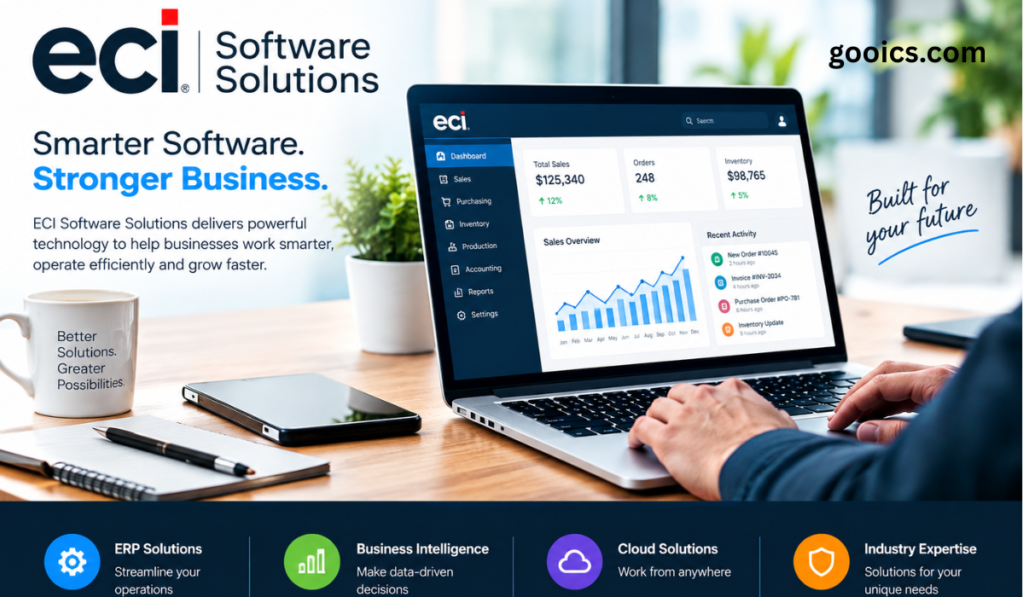
ECI positions its software as end-to-end. Sales and marketing, CRM, ecommerce, business intelligence, data and analytics, mobile apps and payment processing are meant to connect rather than live in separate silos, giving teams one view of customers, orders and performance.
Business Intelligence and Analytics
Built-in reporting and dashboards help owners and managers see margins, backlog, inventory levels and cash flow without exporting data into spreadsheets. Real-time visibility supports faster, better-informed decisions.
Mobile Access
Mobile apps matter most for service technicians, estimators, delivery drivers and supervisors who are rarely at a desk. Updating job status, capturing signatures or checking inventory in the moment reduces errors and speeds up billing.
AI and Automation
ECI describes its platform as AI-powered, and automation is a growing theme across its products. Practical examples in this category include automating purchase order processing, flagging exceptions through alerts and reducing repetitive data entry so staff can focus on higher-value work.
Key Benefits for Small and Mid-Sized Businesses
A faster fit. Because the software starts from industry norms, implementation can focus on your specifics rather than building basics from nothing.
Better visibility. Connecting quoting, purchasing, production or project work, inventory and accounting gives managers a single, current picture of the business.
Less manual work. Automating order entry, document handling and approvals cuts errors and frees time.
Improved customer experience. Accurate quotes, reliable delivery dates and quicker responses come from having accurate data in one place.
Scalability. A system that grows with you avoids the disruption of replacing software every few years.
Industry expertise. Support and consulting teams who understand your trade can offer practical advice, not just technical help.
How to Evaluate ECI Software Solutions
Before committing to any ERP or business management platform, run a structured evaluation.
- Map your processes. Document how quotes, orders, production or jobs, purchasing, invoicing and service currently flow. Note where delays and errors occur.
- Define must-haves versus nice-to-haves. Separate non-negotiables, such as job costing accuracy or lot traceability, from features you can live without.
- Match the right ECI division and product. Confirm that the specific product, not just the company, fits your size, sector and complexity.
- Request a tailored demo. Ask the vendor to walk through your real scenarios using your sample data rather than a generic script.
- Check integrations. Verify connections with your accounting, ecommerce, payment, shipping and other tools.
- Understand total cost. Compare licensing or subscription fees with implementation, data migration, training, support and future upgrades.
- Talk to references. Speak with customers of similar size and industry about implementation, support quality and ongoing results.
- Plan implementation and change management. Assign an internal owner, schedule training and decide how data will be cleaned and migrated.
Things to Consider Before Choosing
No software is right for everyone. Reviews of ERP vendors in this category commonly mention strong industry focus and responsive support, but also raise concerns about usability, learning curves and implementation effort. Since experiences differ by product, version and implementation partner, it is worth testing the specific system you are considering and checking recent customer feedback.
Also weigh whether your business is a natural fit. A company with highly unusual processes, or one that spans several unrelated industries, may need more customization than an industry-specific platform comfortably offers.
Implementation Best Practices
A good software choice can still fail through poor rollout. To protect your investment:
- Clean your data first. Migrating duplicate customers, outdated parts and inaccurate item records only moves old problems into a new system.
- Start with core workflows. Get quoting, ordering and invoicing right before layering on advanced modules.
- Train in context. Teach people using their real daily tasks, not abstract feature tours.
- Set measurable goals. Track metrics such as quote turnaround time, on-time delivery, inventory accuracy, days to invoice and manual data-entry hours.
- Review and refine. Revisit configuration after the first few months and adjust based on how teams actually use the system.
The Future of Business Software for SMBs
Several trends are shaping where platforms like ECI’s are heading: deeper use of AI for forecasting and document processing, tighter ecommerce and customer-portal experiences, mobile-first workflows, and more open integrations with the wider software ecosystem. Small and mid-sized businesses that adopt connected, data-driven systems now will be better placed to compete with larger rivals that already operate this way.
Conclusion
ECI Software Solutions offers a focused alternative to one-size-fits-all business software. Its strength lies in industry-specific ERP and related tools for manufacturing, building and construction, distribution, field service and office technology, delivered with a cloud and automation emphasis.
The best way to decide whether ECI is right for you is to define your processes and goals clearly, demand a demo built around your real scenarios, and talk to customers who resemble your business. Done well, the right software becomes a foundation for growth rather than another system to manage.
Frequently Asked Questions
What does ECI Software Solutions do? ECI provides cloud-based, industry-specific business management and ERP software for small and mid-sized businesses, including CRM, analytics, ecommerce, mobile and payment tools.
Which industries does ECI serve? Manufacturing, building and construction, wholesale and retail distribution, field service and office technology.
Is ECI Software Solutions only for large companies? No. It is designed primarily for small and mid-sized businesses.
Is ECI software cloud-based? ECI emphasizes cloud-based delivery, though deployment options can vary by product, so confirm details for the specific solution you are considering.
How do I choose the right ECI product? Start with your industry and business size, document your key workflows, and ask ECI for a demo built around your real scenarios.
Where can I get current pricing and product details? Pricing and features change, so contact ECI directly or visit ecisolutions.com for up-to-date information.